Free YouTube Thumbnail Downloader & Creator Tools
Paste any YouTube link to preview and download its thumbnail in every available size (up to 1280×720), or design your own in the free in-browser Thumbnail Maker. Prefer a dedicated page? Use the YouTube Thumbnail Downloader.
Extracted High-Resolution Poster Asset
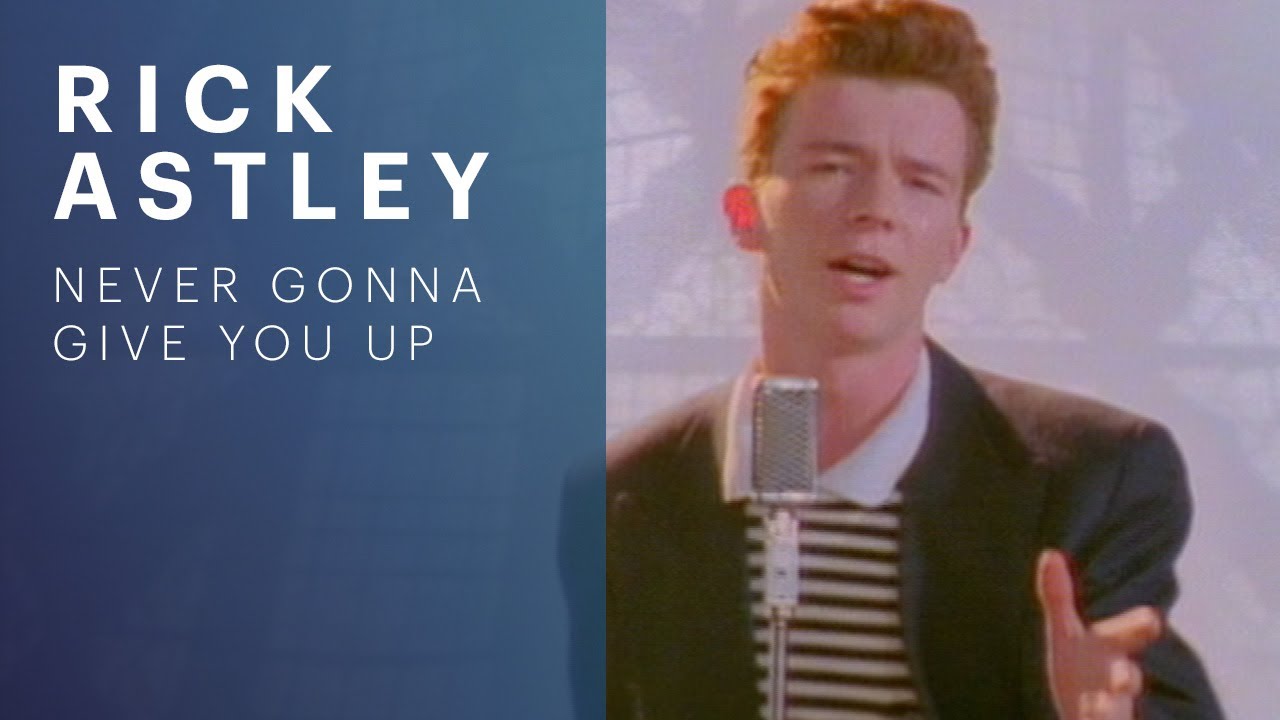
All Available CDN Resolutions
Direct from YouTube Server16:9 4:3
 4:3
 16:9
 4:3
ZERO INVESTMENT
The 5 Levels of Creators
EYE-CATCHING THUMBNAIL
Secret Tip Revealed
INSANE GROWTH
How to Transfer Money
THE FUTURE OF DESIGN
Graphic Design Masterclass
HIDDEN NICHE
Secret Strategy 2026
MR BEAST SECRETS
Shocking Expression
Thumbnails built to capture attention & boost CTR
A free in-browser editor with ready-made layouts, bold typography and safe-zone guides. No signup required.
Start from a layout template
Pick a layout such as Reaction, Versus or Tutorial, then edit the text, colors and images right in your browser.
“Reaction layout: creator photo on the left, bold yellow text '$50K/Month' on the right, dark gradient background.”
Start from any YouTube thumbnail
Paste a video link to grab its published thumbnail (up to 1280×720) as a reference or starting image for your own design.
Edit with simple notes
Type what you want adjusted and update your thumbnail in seconds. No complex Photoshop layers or graphic design skills needed.
HD thumbnail exports with safe zones
Download polished, platform-optimized thumbnails in JPG, PNG, or WebP designed to look crisp and clear across desktop, TV, and mobile feeds.
How High-performing thumbnails are designed
A streamlined, 3-step pipeline engineered for consistency, speed, and maximum click-through rates.
Set up your creative assets
Upload your face photos or paste YouTube URLs to save your channel style. Do this once and reuse forever across all videos.
Pick a layout
Choose an archetype (Reaction, Versus, Tutorial) and customize the text, colors and images in the editor.
Export & publish
Download at 1280×720 for videos or 1080×1920 for Shorts, then upload it in YouTube Studio.
Channel Asset Vault Connected
Reusable creator personas, transparent face cutouts, and channel fonts stored locally.
Built for every type of creator
Built for anyone who wants faster thumbnail production and higher click-through rates.
For YouTubers
Create multiple thumbnails in seconds and boost clicks without wasting hours in Photoshop.
For Agencies
Produce 100+ high-quality thumbnails every week with a consistent, premium brand style.
For Brands
Create polished, on-brand thumbnails for every video while saving time and production costs.
Short-form Creators
Create scroll-stopping vertical thumbnails instantly for Shorts, TikTok, Reels, and every platform.
For Content Creators
Create studio-quality thumbnails in minutes — no advanced design skills required.
For Teams
Work faster, publish more content, and keep every thumbnail perfectly across all channels.
All 101+ Creator Tools Are 100% Free
No monthly subscriptions. No credit card required. No signup.
Creator Essentials
For YouTubers, streamers, and indie creators building channel reach.
Zero fees • No credit card required
- All 101+ YouTube Creator Utilities
- MaxRes (1280×720) Thumbnail Downloader
- YouTube Tag & SEO Keyword Suite
- Return YouTube Dislike (RYD) Public Data
- Video Subtitles & Transcript Extractor
- Instant 1-Click Copy & Clipboard Sync
Canvas & Media Studio
Design viral thumbnails and vertical video covers directly in your browser.
Zero watermarks • Unlimited exports
- Full 16:9 Thumbnail Maker Canvas
- YouTube Shorts Safe-Zone UI Overlay
- High-Precision Video Frame Extractor
- Custom Text Outlines, Badges & Gradients
- Lossless PNG, JPG & WebP Image Exports
- 100% Client-Side Privacy (Zero Server Storage)
Analytics & Growth
Calculate monetization milestones and optimize algorithmic reach.
Unlimited calculations • Always free
- AdSense & Niche RPM Revenue Calculator
- 4,000h Watch Time YPP Goal Countdown
- Virality Index & Recommendation Predictor
- Channel Milestone & Live Sub Tracker
- Audience Engagement & Sponsor Valuation
- Safe YouTube Studio Direct Telemetry Links
100% Free Guarantee — No Hidden Upgrades
Every tool is free to use. No subscription paywalls, no login barriers, and no credit card ever required.
Your Next Viral Thumbnail Starts Here
Grab any YouTube thumbnail or design your own in the free in-browser editor. No signup required.
Frequently asked questions
The most common questions, answered.
Independent Creator Service Disclaimer
DownloadThumbnail is an independent creator utility service and is not affiliated with, sponsored by, or endorsed by YouTube, Google, Instagram, Meta, Facebook, TikTok, or any other third-party platform. All platform trademarks belong to their respective owners.